Keep your numbers close.
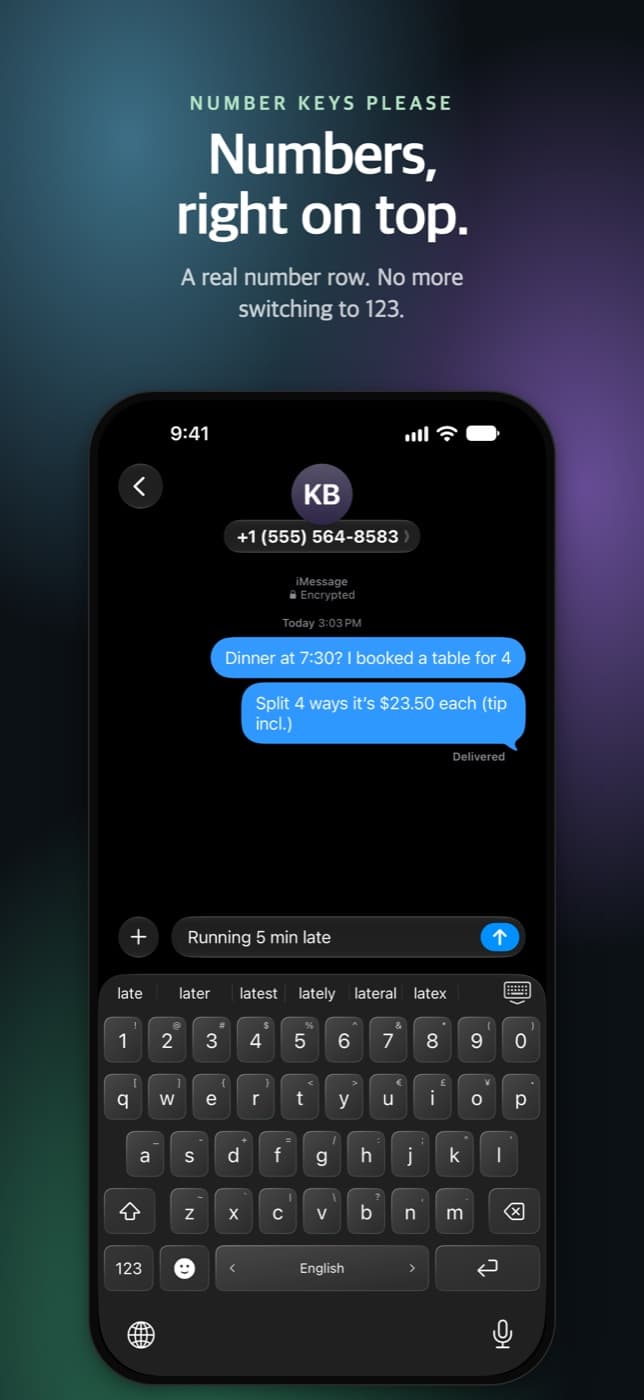
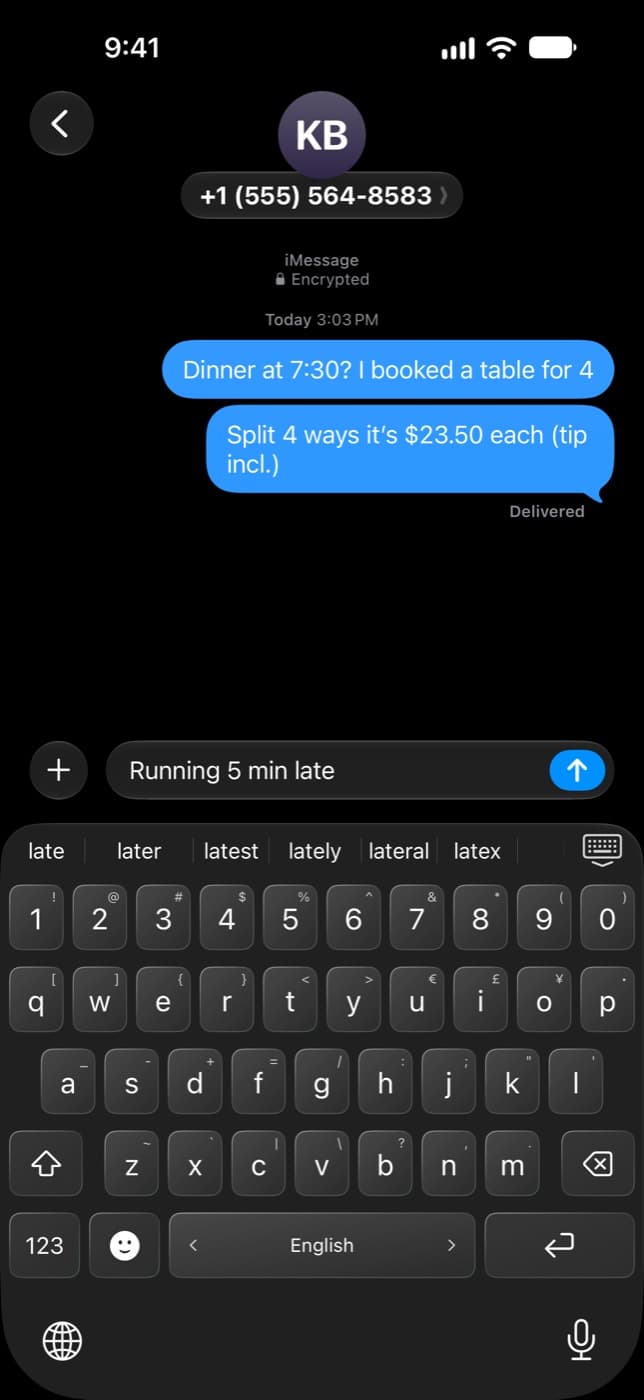
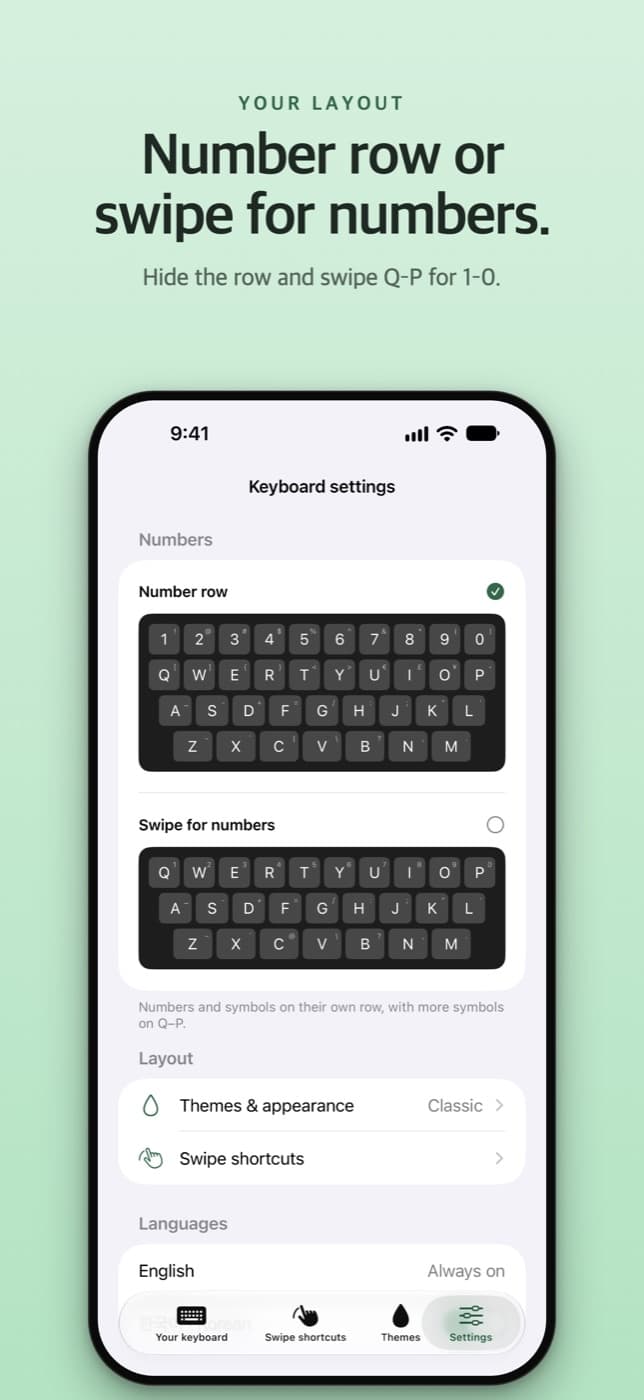
A full 1–0 row above the letters. Times, prices, and dates without the trip to 123.
 Number Keys Please
A little swipe. A better keyboard.
A real number row. Symbols just a swipe away.
A keyboard that keeps up with your everyday.
For iPhone & iPad · iOS 17 or later
Your everyday keyboard, with a little extra.
Less switching. More typing.
A full 1–0 row above the letters. Times, prices, and dates without the trip to 123.
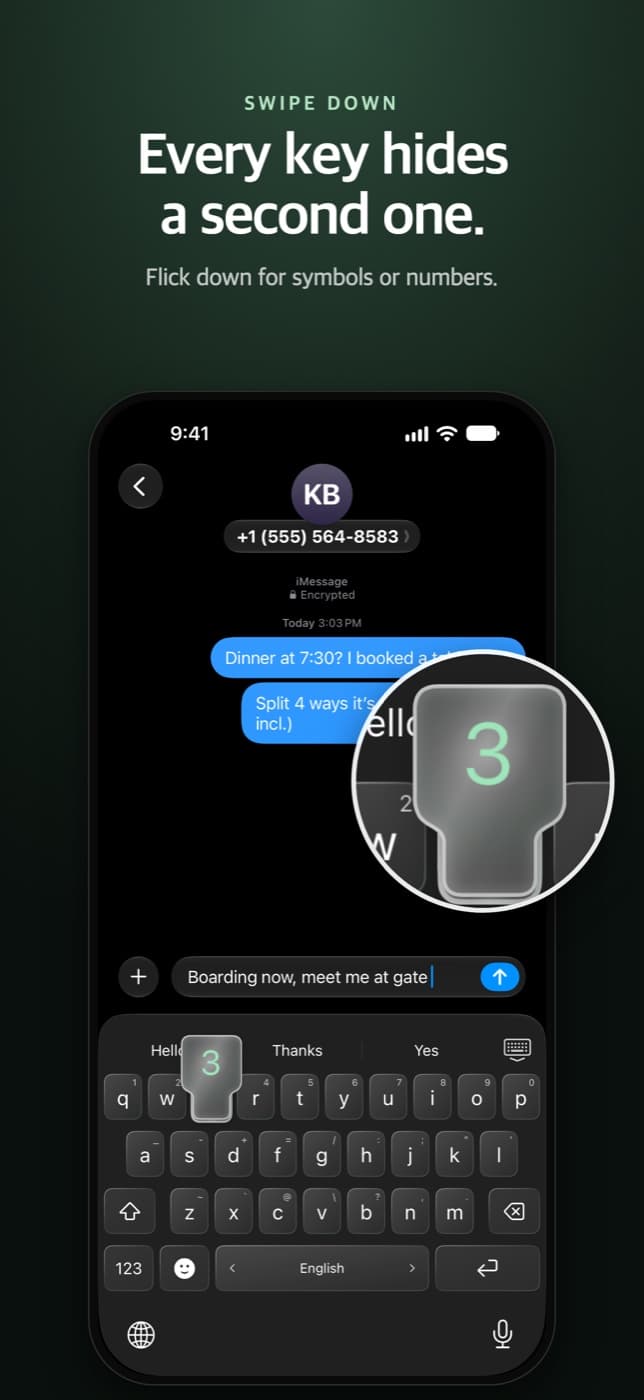
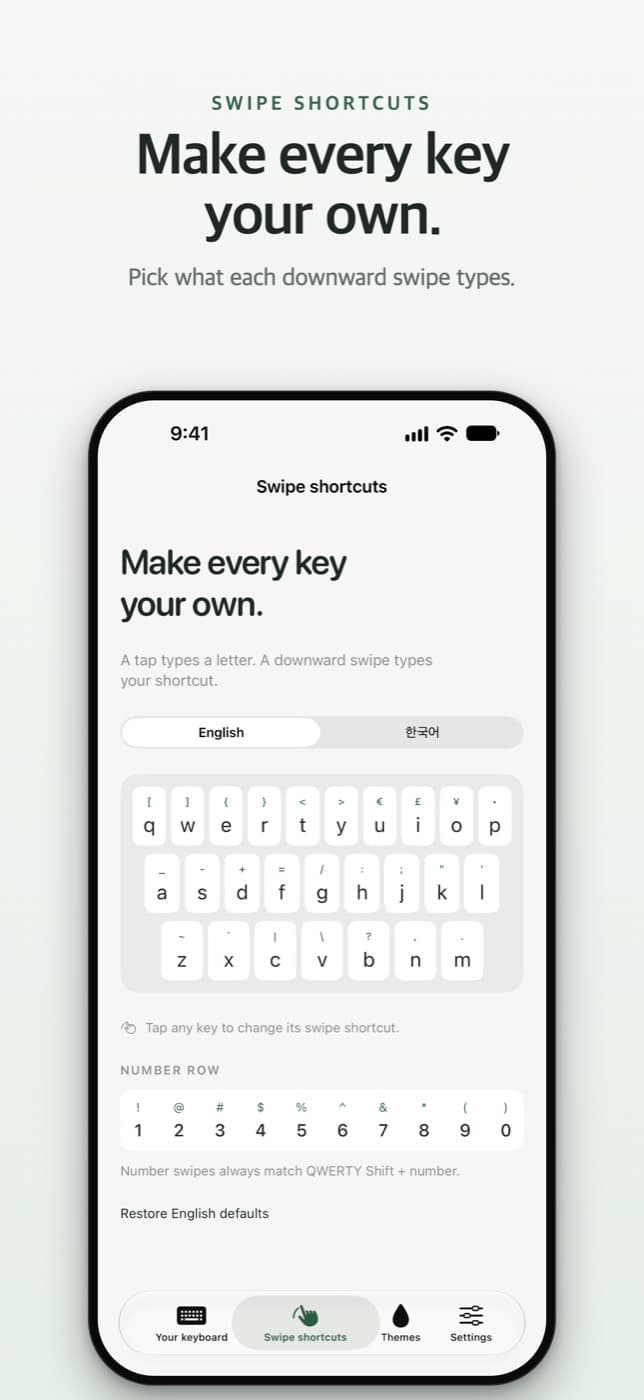
A symbol under every key. Swipe down for brackets, quotes, currency, punctuation, and more.
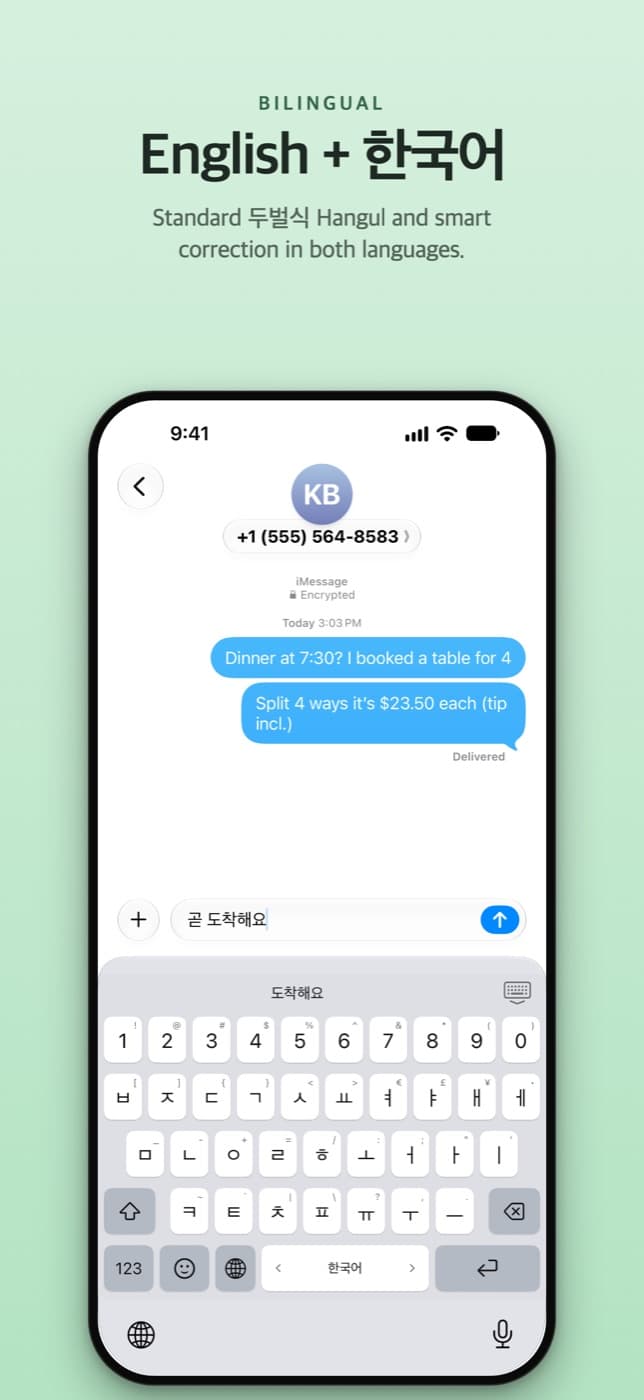
Standard 두벌식 Hangul and smart correction in both languages. Hold Space to switch between them.
Keep the full number row, or hide it and swipe down on Q–P for 1–0. Both layouts work in English and Korean.
Choose up to eight characters for a letter’s downward swipe, with separate shortcuts for English and Korean.
Make it feel like you.
Classic follows the light or dark keyboard in each app. The optional Liquid Glass theme brings translucent keys that ripple with every tap.
Liquid Glass is a one-time purchase. Requires iOS 26 or later.Search 3,900+ emoji in English or Korean, entirely offline.
Slide the space bar to place your cursor right where you want it.
Get comfortable in the typing playground, then practice in the typing tester.
Low lag typing
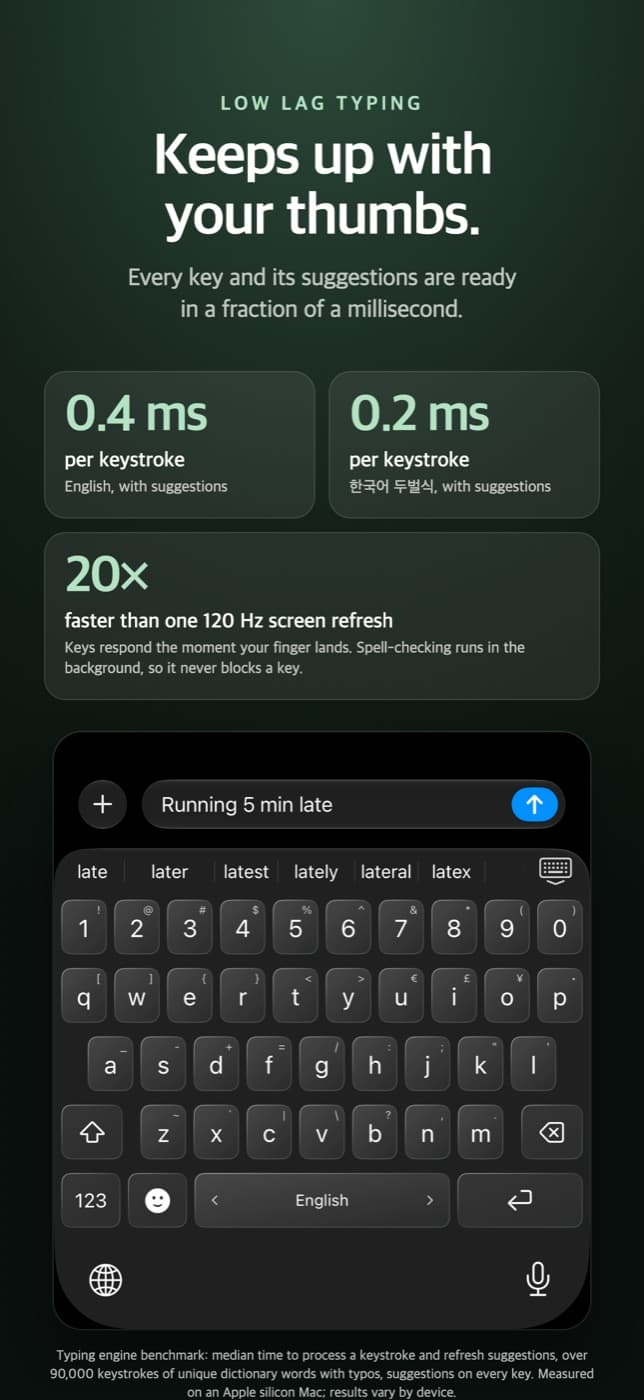
A responsive keyboard, with word suggestions ready in a fraction of a millisecond in our typing engine benchmark.
Typing engine benchmark: median time to process a keystroke and refresh suggestions over 90,000 keystrokes of unique dictionary words with typos, with suggestions on every key. Measured on an Apple Silicon Mac; results vary by device. This measures engine processing, not the time from touching a key to seeing text on screen.
Private by design
The keyboard never connects to the internet. Suggestions and autocorrect run locally, backed by 8,000+ built-in words each for English and Korean.
Search 3,900+ emoji offline. No accounts, no analytics, and no typing data collected.
Full Access is optional for typing. Enable it to share your app settings and purchased theme with the keyboard, and to play key sounds.
Read the privacy policy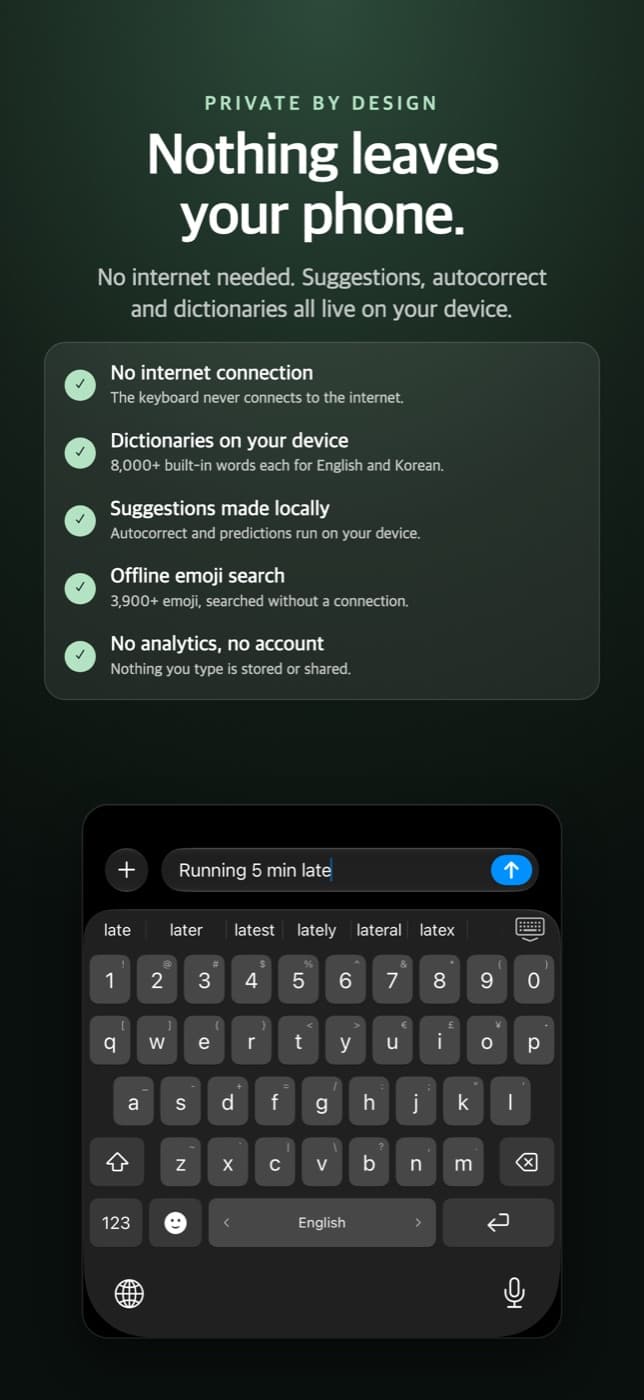
Try it right here
Tap the keys, swipe down for symbols, or use your own keyboard. Everything you type stays in this browser.
Tap a key, or drag it down to type its small character.
When a key is focused, press Down Arrow to type its small character.
Swipe down for symbols · Hold Space to switch languages · Slide Space to move the cursor
Browser preview. Native effects and correction may differ in the app. Your text resets on reload. Dictionary credits
Ready when you are.